

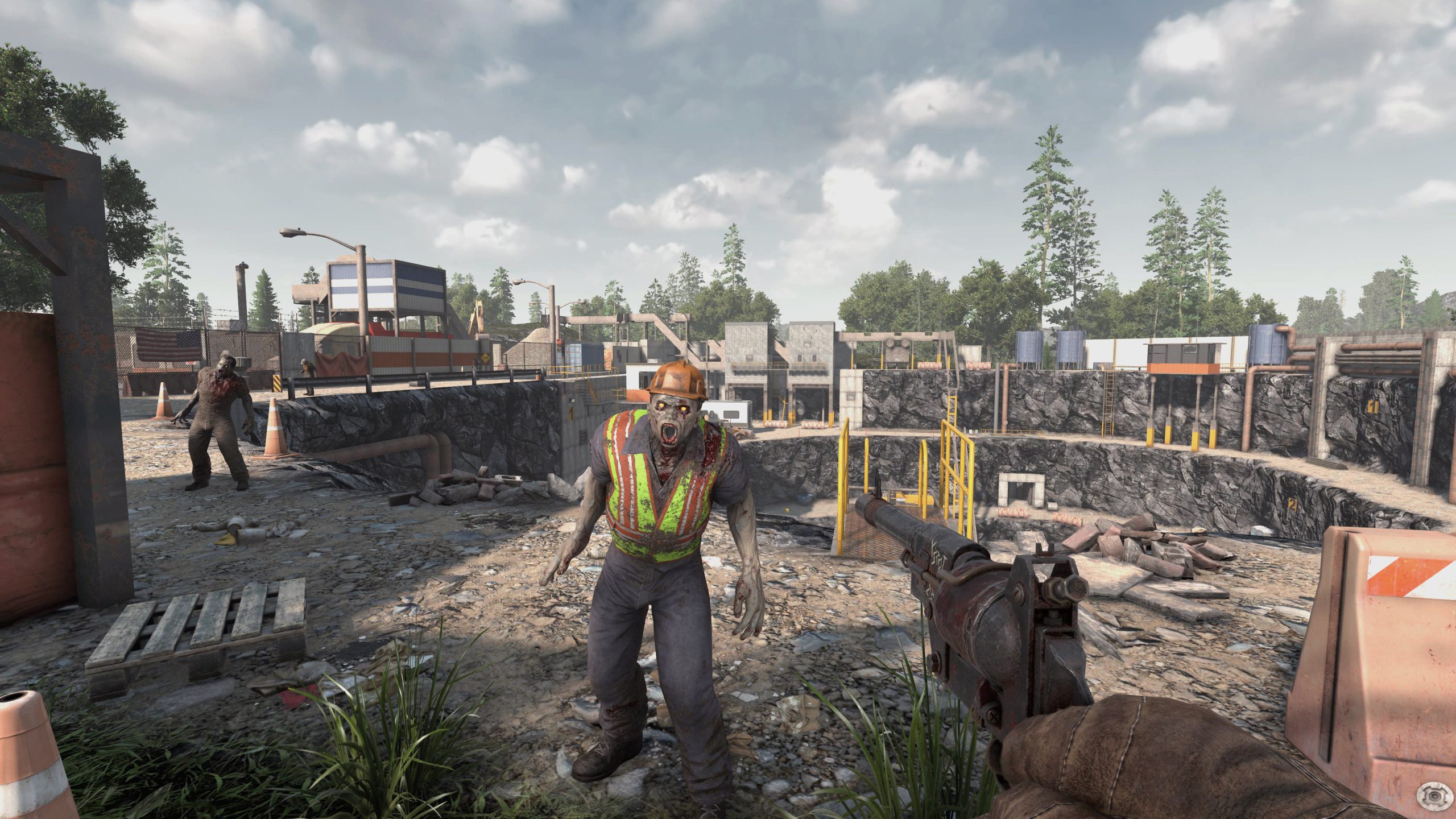
Inventory management has always played an important role in 7 Days to Die, especially when players venture into dangerous locations searching for valuable supplies. However, limited storage space often forces survivors to abandon useful loot or make repeated trips back to their bases.
With Update 3.3.0, the developers are addressing this frustration by introducing a new Bigger Backpack system, alongside several bug fixes, performance improvements, and gameplay adjustments.
The update gives players more freedom when collecting resources, exploring buildings, and preparing for the next Blood Moon.
Bigger Backpacks Bring More Inventory Space
The biggest addition in Update 3.3.0 is the new backpack system, which allows players to expand their inventory through crafting, looting, or purchasing backpacks.
Previously, players had access to a 9×5 inventory grid containing 45 slots. The new update replaces this layout with an 8×6 grid, increasing the standard inventory to 48 slots.
However, there is an important distinction. Of those 48 slots, 32 are available without encumbrance, while the remaining 16 are encumbered.
Players who want additional storage can equip backpacks in the newly introduced Backpack equipment slot.
The system includes three backpack sizes:
- Small Backpack
- Medium Backpack
- Large Backpack
Each backpack size comes with six quality levels, giving survivors additional progression opportunities as they explore the wasteland.
Depending on the equipped backpack, players can expand their inventory to a maximum of 96 slots across an 8×12 grid.
This effectively doubles the new base inventory capacity, although additional slots can introduce encumbrance penalties.
Pack Mule and Armor Pocket Mods Remain Important
While backpacks provide additional storage, players still need to manage encumbrance.
The Pack Mule perk and Armor Pocket Mods can remove encumbrance penalties, allowing survivors to carry more items without suffering the associated movement restrictions.
This creates additional opportunities for players to customize their builds.
Those who focus on looting and exploration may benefit from investing in inventory-related perks. Meanwhile, players who prefer combat-focused builds can use backpacks to increase their carrying capacity without completely changing their playstyle.
The new system should be particularly useful during extended scavenging trips, mining expeditions, and multiplayer adventures.
Update 3.3.0 Also Improves Stability
Beyond the backpack overhaul, Update 3.3.0 introduces several technical improvements.
One notable change addresses situations where players become stuck during loading or respawning.
The developers have improved bug reporting and simplified the respawn process. Certain operations now include timeouts to prevent situations where players could become permanently stuck.
The update also addresses a rare threading deadlock involving MultiBlock structures and the game’s chunk-saving system.
Although most players may never have encountered this particular issue, fixing it should help improve overall stability.
Several Gameplay Bugs Have Been Fixed
Update 3.3.0 also resolves a collection of smaller issues that could interrupt gameplay.
Players should no longer encounter inventory background flickering when transferring items into storage. Moving item stacks also no longer triggers overlapping pickup and placement sound effects.
Another important fix addresses equipment duplication when the death penalty is configured to drop equipment.
Dedicated server players also receive a correction to vehicle pickup behavior. Vehicles once again check their inventory contents before allowing players to pick them up.
Additionally, dying while reloading a weapon should no longer cause the weapon to malfunction.
These changes may appear minor individually, but together they help create a smoother survival experience.
Full 7 Days to Die Update 3.3.0 Patch Notes
Added
- Multiple toolbelt pages for the Prefab Editor.
- A new toolbelt XML file that defines slot counts, rows, and pages through data.
- Increased inventory capacity through the new backpack system.
Changed
- Changed
ItemActionRanged.TryExecuteActionto virtual to maintain mod compatibility. - Optimized prefab cell data to use native memory.
- Updated rancher footstep sound effects to reflect footwear instead of bare feet.
- Improved bug reporting for players stuck during loading.
- Simplified respawn logic and introduced timeouts to prevent certain soft locks.
Fixed
- Fixed inventory item backgrounds flickering when moving items into storage.
- Fixed overlapping pickup and placement sound effects when moving item stacks.
- Fixed workstation prompts not updating correctly when items are ready for collection.
- Fixed equipment duplication when the drop-on-death setting is configured to Equipment.
- Fixed a rare threading deadlock involving MultiBlock structures and chunk-saving operations.
- Fixed vehicles failing to check inventory contents before pickup on dedicated servers.
- Fixed weapons becoming bugged when players die during reloading.
- Fixed a possible exception in
RegionFileManager.
A Welcome Improvement for Long-Term Survivors
Inventory limitations have long been part of the survival challenge in 7 Days to Die. However, constantly returning to base because of a full inventory can become frustrating, especially during longer exploration sessions.
The Bigger Backpack system provides a welcome alternative without completely removing inventory management from the game.
Players still need to consider encumbrance, equipment quality, and character progression, but they now have more flexibility in how they approach scavenging.
For players who enjoy clearing entire buildings, gathering construction materials, or preparing massive stockpiles for Horde Night, Update 3.3.0 could make everyday survival considerably more convenient.
And for those who insist on picking up absolutely everything that isn’t nailed down, those additional inventory slots will certainly come in handy.


